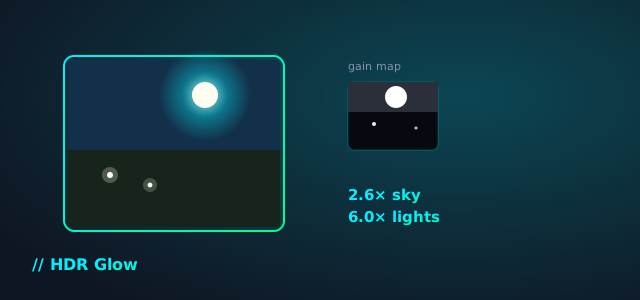
I edit photos in Affinity, export a JPEG, and post it. That JPEG looks fine everywhere, but it never does the thing I actually see on my own HDR screen while editing: skies that glow, highlights that have real headroom above white. Instagram and modern phones can show that glow — it’s called an Ultra HDR gain-map JPEG — but nothing in my normal export workflow produces one.
So I built HDR Glow: a small, static page that takes a normal edited photo and writes a gain-map JPEG next to it. Same pixels on a normal screen. A visible glow on an HDR one.
What It Actually Does
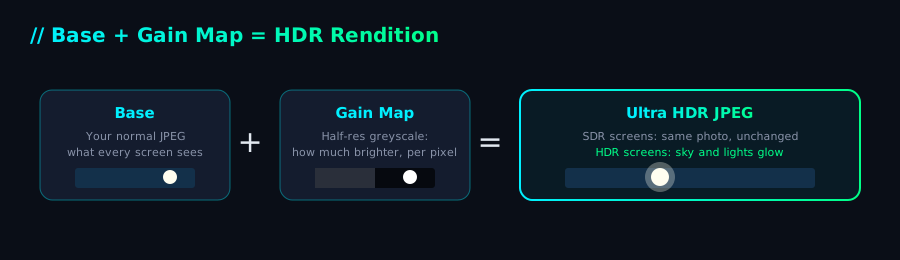
A gain-map JPEG is two images stapled into one file: the normal photo you already have, and a small greyscale “gain map” that says, per pixel, how much brighter this should look on a screen that can show it. A phone or browser that understands the format reads both and renders the glow. Everything else just sees the normal photo, because that’s all it knows how to read.
The tool:
- Takes your edited photo (JPEG or PNG).
- Optionally takes a 32-bit OpenEXR export of the same edit, if you have highlight data above white to work with.
- If you don’t have one — which is the common case — it synthesizes the headroom itself: finding sky and bright highlights by luminance, and small near-white light sources (headlights, lamps, the sun) separately, so you can dial in how much each glows.
- Writes the two-image container by hand, byte for byte, matching the format Google’s
libultrahdrproduces, so it’s read correctly by Chrome, Instagram, and HDR phones.
The Same Idea as Lightroom’s HDR Editing
If you’ve used Lightroom Classic or Camera Raw recently, you’ve probably seen the HDR toggle in the histogram panel — it lets you push exposure and highlights above normal white when your display can show it, and recent versions can export straight to an HDR JPEG or AVIF with that same gain-map technique baked in. That’s the same underlying file format this tool writes.
The difference is what each one starts from. Lightroom’s HDR editing works from the original raw file, on a display that can show you the extra headroom while you’re grading it. This tool works backward from a normal 8-bit JPEG you’ve already exported — no raw file needed, no HDR display needed to use it, no subscription. It can’t recover detail that was already clipped to white in the export, so instead it estimates: find the sky, find the small near-white light sources, and lift those by an amount you control with two sliders. It’s a reconstruction, not a re-edit — close enough to look right, not a substitute for grading in HDR from the raw file if that’s an option for you.
No Server, Because There Isn’t One
This whole site is static — GitHub Pages — so the tool had to be too. There’s no upload, no backend, no build step. Everything runs in the browser: decoding, the gain-map math, JPEG encoding, and assembling the final file, all in a Web Worker so a full-size photo doesn’t freeze the tab. Your photos never leave the tab they’re open in.
The one part I couldn’t shortcut was the file format itself. Ultra HDR’s container is a JPEG with a second JPEG appended after it, held together by XMP metadata, an embedded ICC profile, and a CIPA Multi-Picture Format block whose byte offsets have to point at exactly the right place or nothing reads it. Getting that right meant parsing a known-good reference file byte by byte and checking my output against it, segment by segment, rather than trusting that it “looked about right.”
See It For Yourself
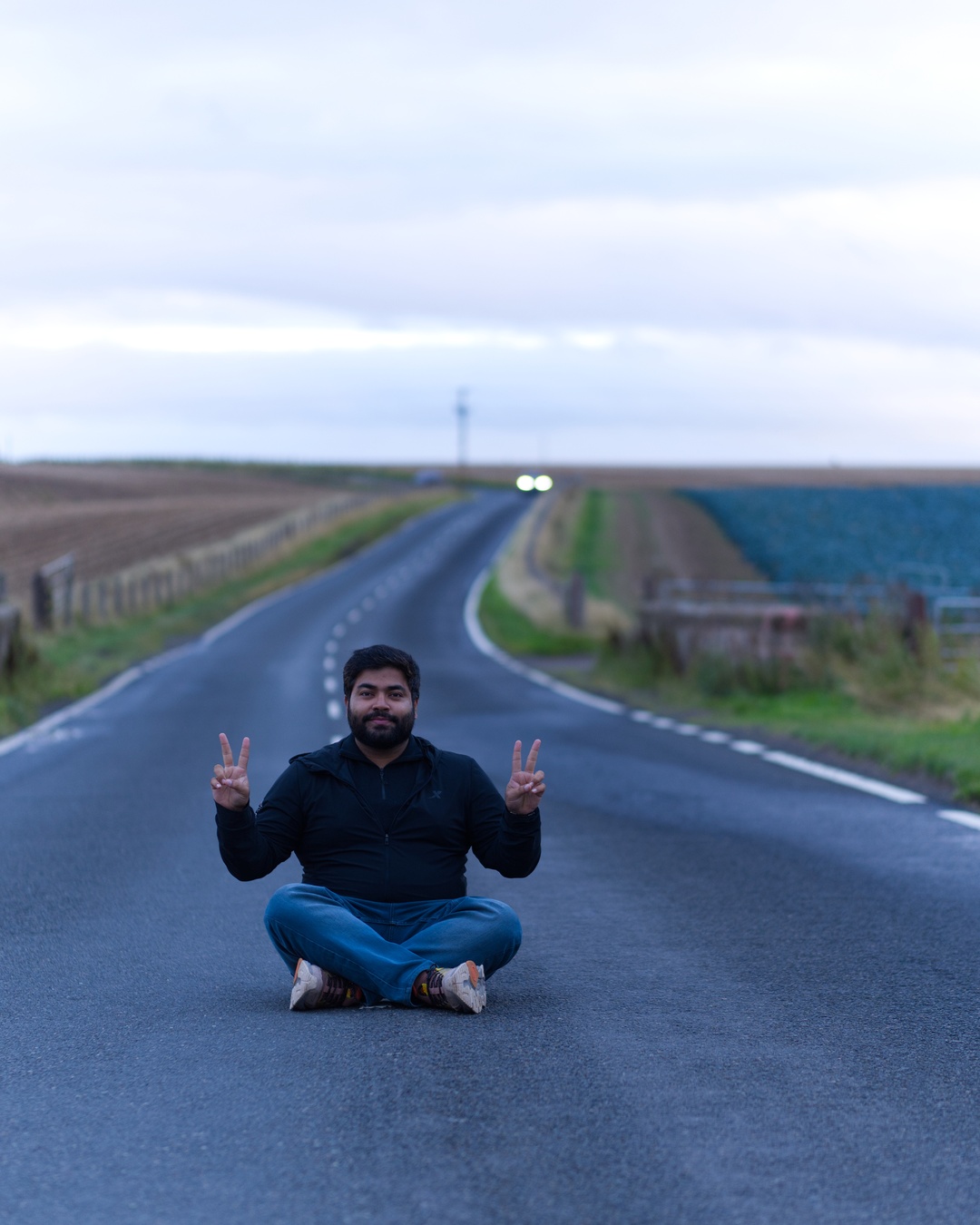
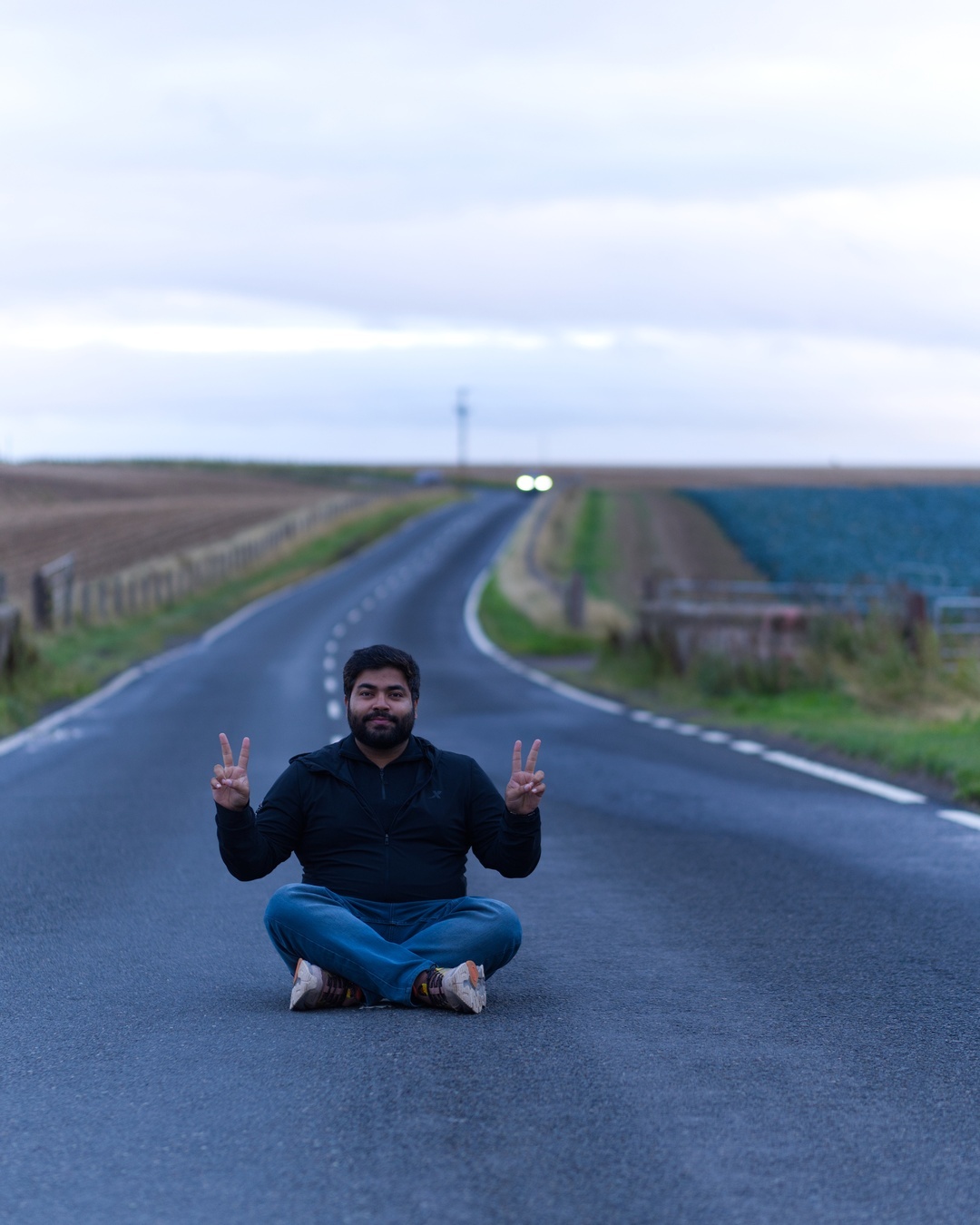
Same file, two screens. On a normal display both sides look identical — that’s the point, the format is backward compatible. If you’re reading this in Chrome on an HDR-capable display, the right-hand image should actually glow: brighter sky, brighter highlights on the road markings and the distant headlights.
That highlighted sentence a moment ago is a small experiment: on a browser and display that support the CSS HDR color spec, it renders with real above-white brightness — the same headroom concept as the image, applied to text. Everywhere else it’s just bold green text, no different from any other emphasis on this page. The spec is still a working draft, so this is a “try it and see” addition more than a guaranteed one — if it looks broken on your setup rather than just inert, that’s worth knowing.
Try It
/hdr-tool/ — drop in a photo, adjust the sky and highlight sliders, download. To actually see the glow: AirDrop the file to your phone and post it from the Instagram app (not WhatsApp — it recompresses images and strips the glow), or open it in Chrome on an HDR Mac. On a normal screen, it’s just your photo.
References
- Eric Chan (Adobe), Gain Map — version 1.0 draft 12, May 2023. The original Adobe specification proposing the Base + Gain Map concept this whole format is built on — shared via an Affinity forum thread on exporting HDR from Affinity.
- google/libultrahdr — the Ultra HDR gain-map JPEG library whose container format and metadata encoding this tool’s output matches byte-for-byte.
- AcademySoftwareFoundation/openexr — reference for the EXR file format and its ZIP compression, used for the from-scratch EXR reader.